Your facility team doesn't do one job. Why should it need ten tools?
Requests, maintenance, front desk, furniture, leases, fleet: Task FM brings these jobs together on one shared set of sites, users and providers. What is entered once is used everywhere, and leadership finally gets the full picture.
Sites and users Re-entered in every tool
Sites and users One master record shared by every module
- Work orders
- CMMS
- Visitor management
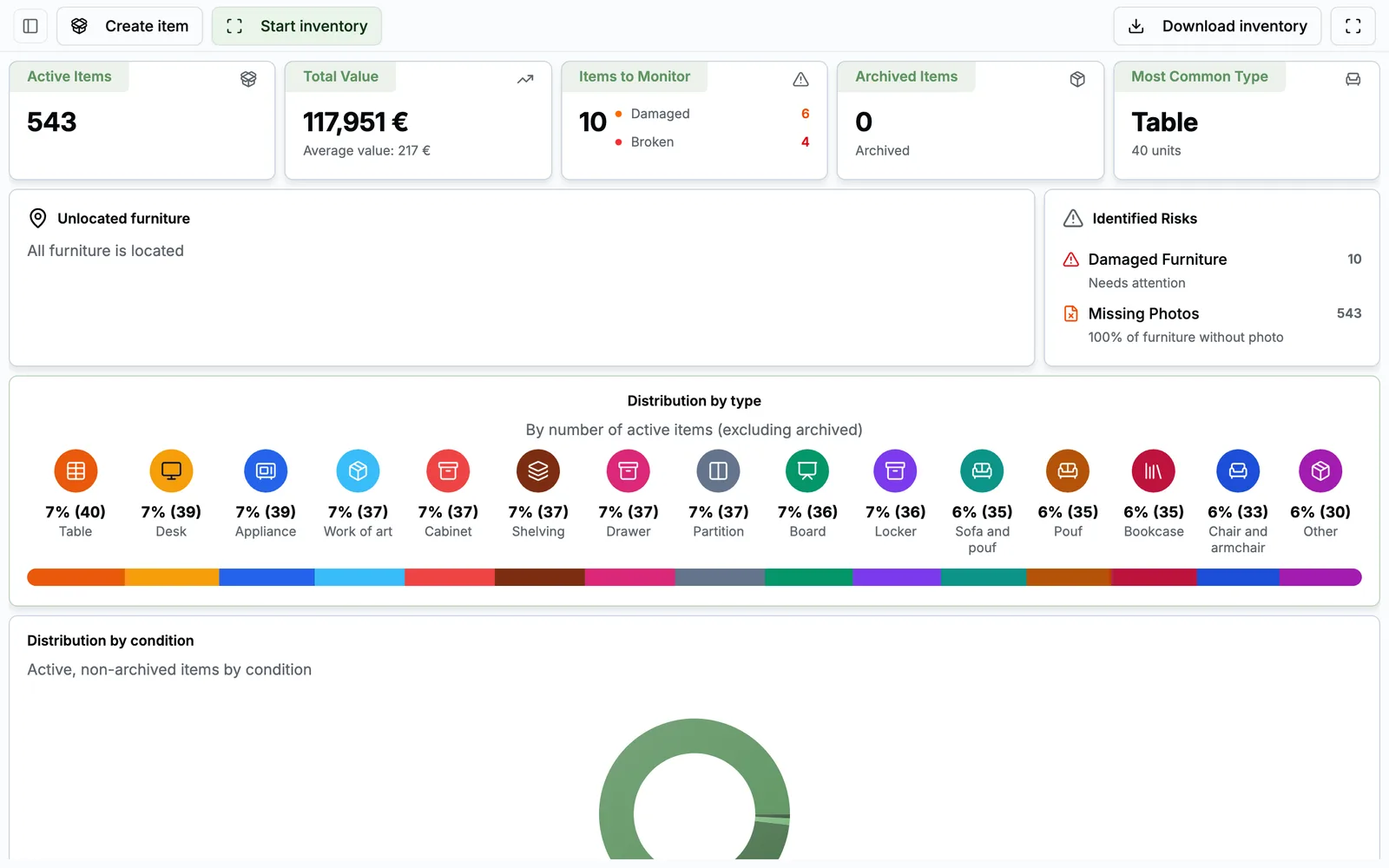
- Furniture
- Procurement
- Leases
- Fleet
- Stock & Equipment
- Inspection rounds
- Onboarding / Offboarding
Facility teams keep the company running. Their tools don't keep up.
Requests by email, tracking in Excel, contracts in a shared folder, service providers chased by phone. The work gets done, but it leaves no usable trace. And when leadership asks for a number, everything has to be rebuilt by hand.
The result: 42% of managers say they spend their time chasing information. It's not an organisation problem. It's a tooling problem.
Task FM 2026 survey of French facility and workplace teams.
One tool per service means ten more problems
Specialised vendors often do one job well. But a facility team doesn't have one job. Stacking a CMMS, a visitor system, a fleet tool and spreadsheets multiplies re-entry, contracts and blind spots.
Re-entered in every tool
Sites and usersOne master record shared by every module
Email, Teams, phone, hallway
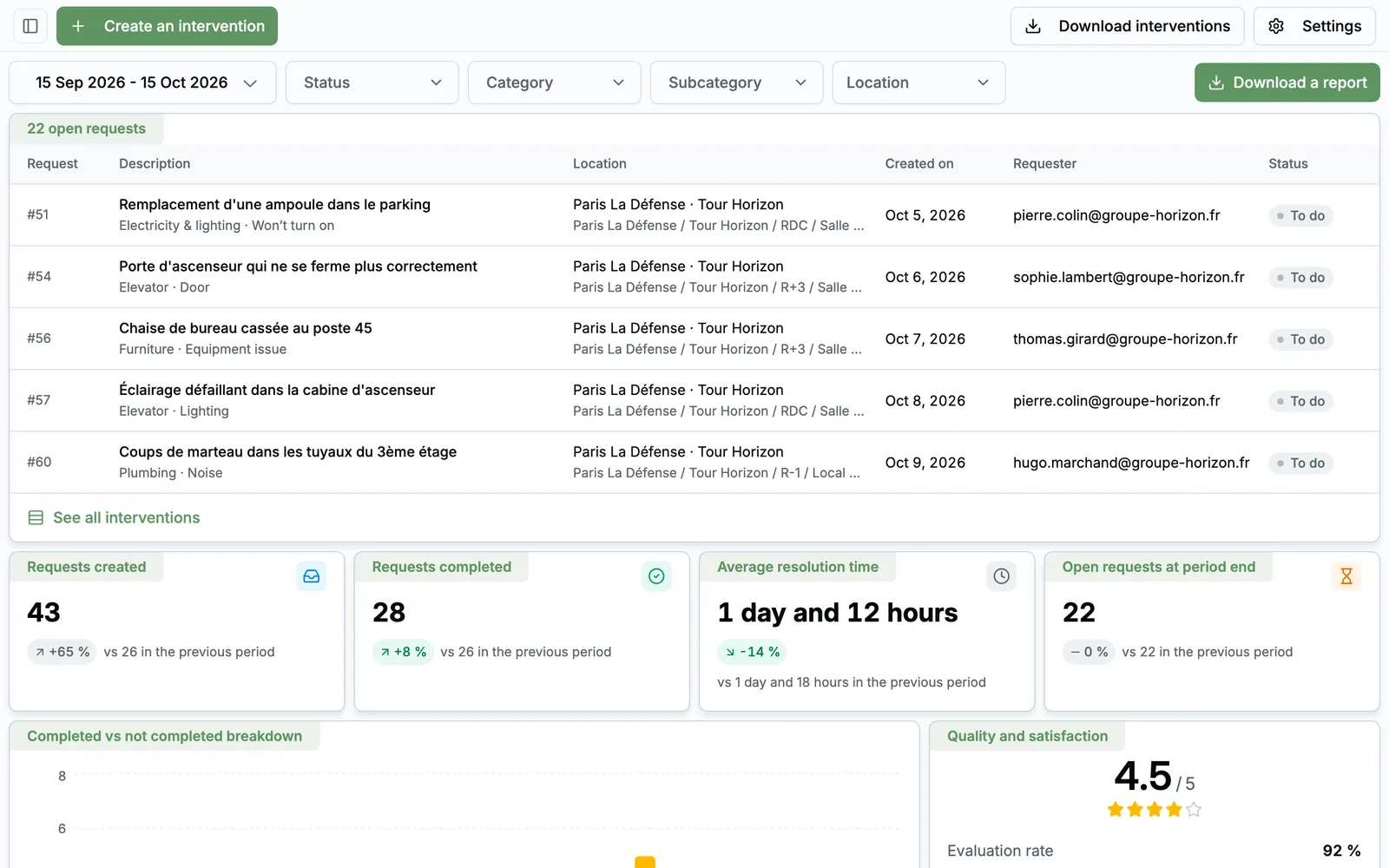
Employee requestsOne entry point, tracked until closed
Chased case by case
Service providersNotified, tracked and rated by requesters
Exports consolidated by hand
Leadership reportingConsolidated KPIs, documents generated by Greg
One interface and one training per tool
Onboarding usersThe same screen logic from one module to the next
Several contracts, several support desks
Software vendorsOne partner who knows your business
What you gain by bringing it together
-
One location register
From site to room, entered once and used everywhere. Each room opens to the modules you choose.
-
Modules that talk to each other
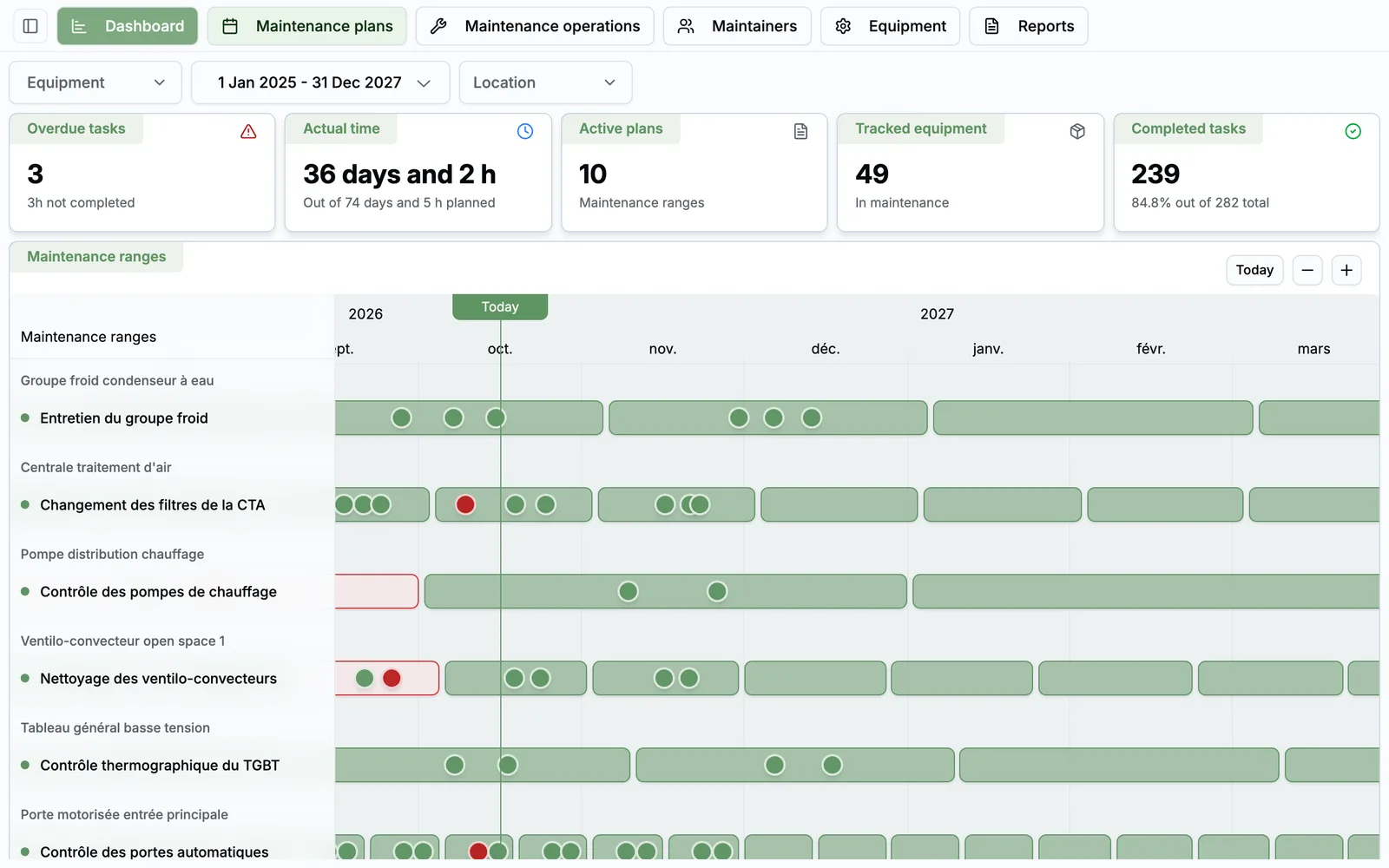
A non-compliance found on a round becomes a work order, and your documents land in the same library.
-
A space for each role
Everyone sees what concerns them, with no unnecessary licences.
-
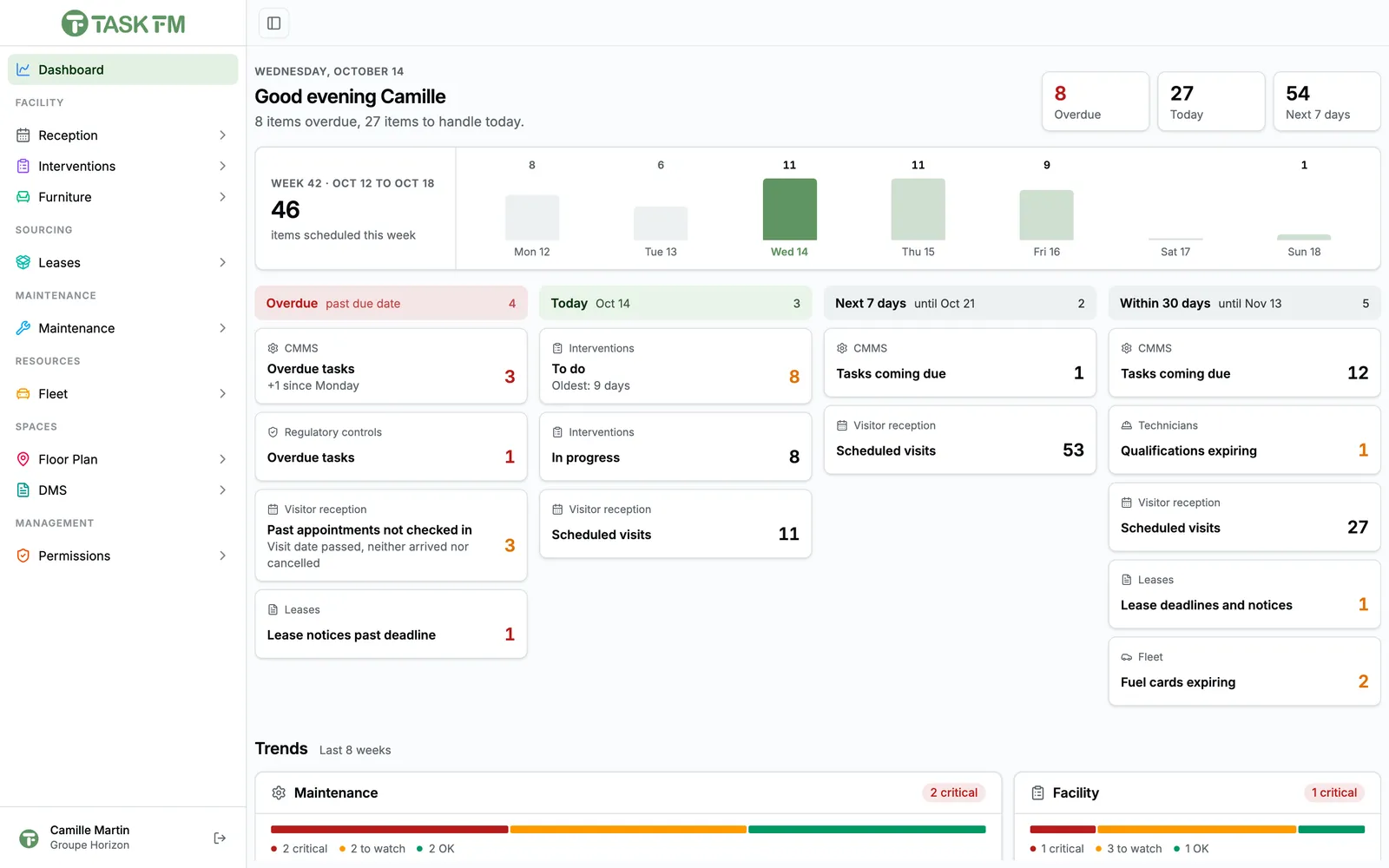
One dashboard
A KPI per module, a shared agenda and day-by-day history.
-
Reminders that send themselves
Notices, alerts, reports and reminders go out with no manual action.
-
Reports ready to send
Work orders, rounds, maintenance, front desk: as PDFs, in five languages.
-
One shared logic
Same screens, same habits across modules: learn one and you know them all.
Start small, without closing any doors
- 1
A first module
The one that costs you the most today: often work orders, regulatory maintenance or the front desk.
- 2
Your data imported
Our team imports your existing files: sites, assets, furniture, vehicles, leases. You don't start from a blank page.
- 3
Your teams on board
No app to install: employees and providers use Task FM from day one.
- 4
The next modules
When you're ready, a new module is enabled on your workspace and reuses everything already there.
One platform or specialised tools?
Isn't a specialised tool more complete?
On its own scope, sometimes. But every extra tool means another register to maintain, another interface to learn and data that doesn't connect. Task FM covers facility needs in depth, and the value comes from modules working together.
Can we keep some existing tools?
Yes. You only enable the modules you need, and Task FM directly imports files from some suppliers, such as vehicle leasing companies.
How long does it take to get started?
It depends on the modules and the volume of data to import. We discuss it concretely during the demo.
See Task FM on your own use cases
A 30-minute video call with a facility services expert. We start from your sites, your current tools and the module that costs you the most, and we show you the application in real conditions.
- A live demo of the application, not slides
- Focused on your priorities, module by module
- No commitment

Damien Dehoul
Founder, Task FM
Live demo, on your own use cases
Pick a time slot30-minute video call with an FM expert. No commitment.