Today, without Task FM
A client arrives at 9 am for a meeting. The employee forgot to tell the front desk, the badge isn't ready, and the host phones offices one by one while the visitor waits. By evening, nobody can say exactly who came in.
The employee invites the front desk to their Outlook meeting: the visitor is informed, the host welcomes them, the employee is notified.
Today, without Task FM
A client arrives at 9 am for a meeting. The employee forgot to tell the front desk, the badge isn't ready, and the host phones offices one by one while the visitor waits. By evening, nobody can say exactly who came in.
With Task FM
The employee adds the front desk address to their meeting. An appointment is created for each external guest and updated if the meeting changes.
They receive an email with the date, the host and arrival instructions, your documents attached (access map, safety rules) and a reminder about 12 hours before.
On arrival, the front desk host marks the appointment as arrived and hands over an available badge. The badge return is tracked.
They get "Your visitor has arrived" by email as soon as the arrival is registered. Every status change is timestamped with its author.
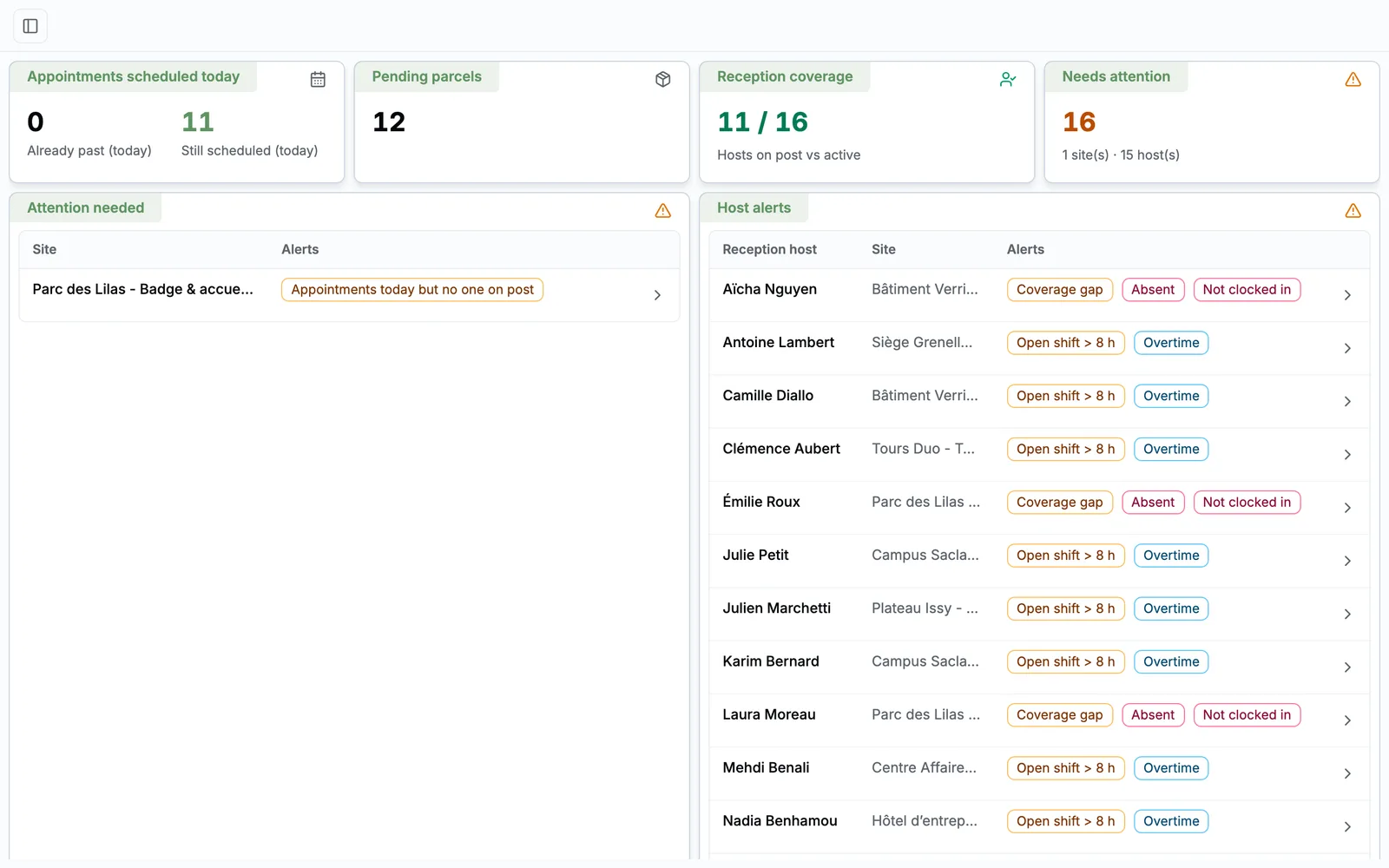
Hours to cover, host clock-in, alerts and reports per site: every front desk is tracked in real time, with no spreadsheet and no phone calls.
Read the use caseEvery piece is tagged and located: the move is prepared by scanning, and whatever is missing afterwards is flagged with the date it disappeared.
Read the use caseThe site pastes the item's link: the Task FM team quotes, buys, delivers and attaches every document to the order.
Read the use caseA 30-minute video call with a facility services expert. We start from your sites, your current tools and the module that costs you the most, and we show you the application in real conditions.

Damien Dehoul
Founder, Task FM
Live demo, on your own use cases
Pick a time slot30-minute video call with an FM expert. No commitment.